

 Jun 29,2026
 By:
By: Introduction
Try Hostinger NowSo you've decided to build a website. Maybe it's a blog, a small business page, or a portfolio. Whatever it is — great choice. Now comes the part that trips up almost everyone: picking a hosting plan. VPS, cloud, dedicated, shared. Where do you even start? Start with shared hosting. It's the most beginner-friendly option out there, and platforms like Hostinger make the whole process feel surprisingly simple. Once you understand what it is, everything else starts to make sense.
What Is Shared Hosting, Exactly?
Imagine a large apartment building. Every tenant has their own space, but everyone shares the same infrastructure — water pipes, electrical system, elevator. Shared hosting works the same way. Multiple websites live on one server. Each site gets its own slice of storage and bandwidth, but the underlying server resources are shared. It's affordable, managed for the user, and for most beginners, it's more than enough to launch a site confidently.How Does Shared Hosting Actually Work?
When someone types a website address into a browser, the request travels to a server and pulls up the site's files. With shared hosting, one server hosts many websites at once. A provider like Hostinger uses smart resource management to keep everything running smoothly. The setup process takes minutes — sign up, pick a plan, connect a domain, and your site can be live. No server configuration, no technical headaches whatsoever.Why Shared Hosting Is the Best Hosting for Beginners
Most people starting don't need a dedicated server. Traffic is modest, budgets are real, and technical know-how is still developing. That's exactly why shared hosting is widely considered the best hosting for beginners.Hostinger makes it easy with:
- Low starting price — plans that genuinely fit beginner budgets
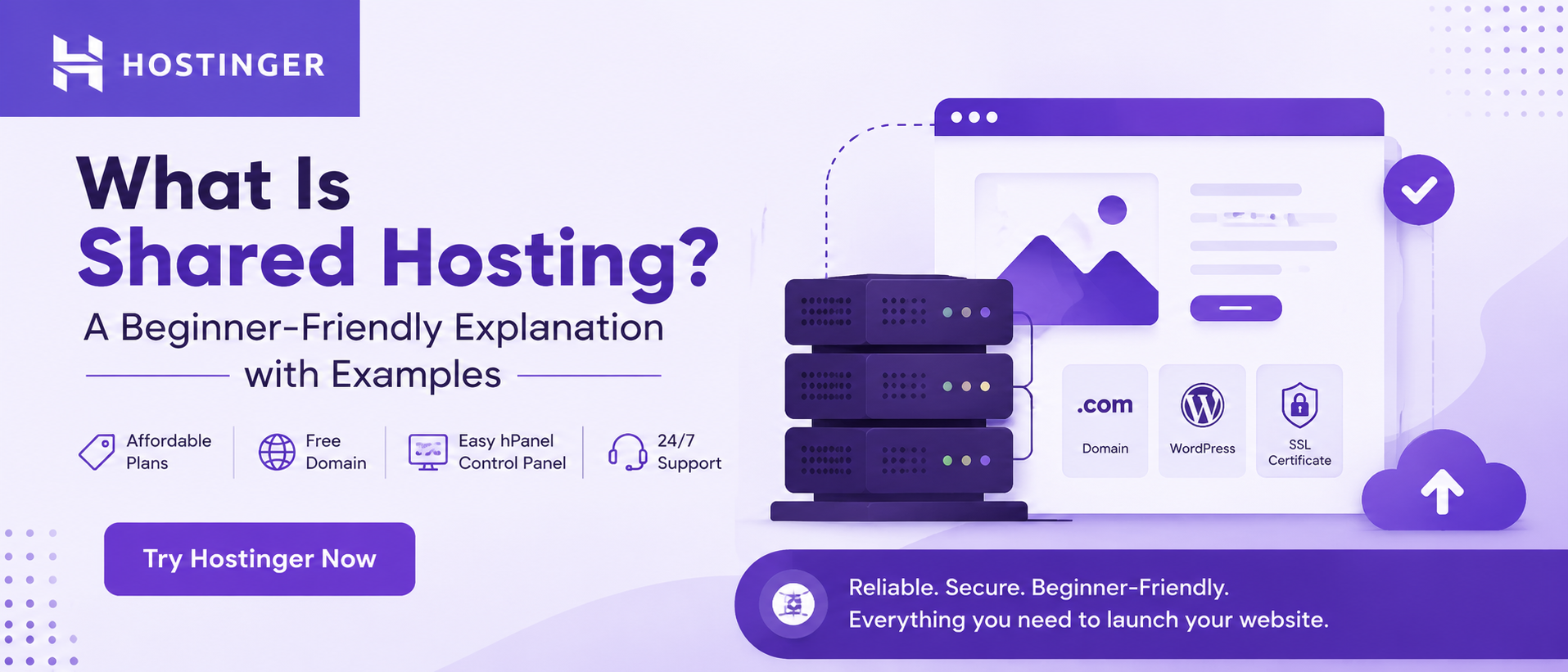
- Free domain — included with yearly plans
- hPanel control panel — clean and beginner-friendly
- 24/7 customer support — help is always available
Shared Hosting vs Cloud Hosting: What's the Difference?
Both are popular options on Hostinger, but they serve different needs. With shared hosting, resources sit on one physical server — simpler, cheaper, great for smaller sites with steady traffic. With cloud hosting, a site runs across multiple servers and scales resources up or down on demand. A sudden traffic spike? Cloud hosting handles it more gracefully. For most beginners, though, shared hosting covers everything needed without overcomplicating the whole experience.Real-World Examples of Sites That Run on Shared Hosting
Wondering what kinds of websites actually use shared hosting? Here are the most common ones:- Personal blogs and creative portfolios
- Small business and local service websites
- Restaurant pages and event landing pages
- Niche hobby sites and community pages
- Early-stage startup websites
Is Shared Hosting Secure Enough?
Since multiple sites share a server, it's fair to wonder about security. Reputable providers take this seriously. Hostinger includes automatic malware scanning, free SSL certificates, and DDoS protection as standard features across shared hosting plans. Each site is also fully isolated from others on the same server. So if a neighboring site runs into trouble, it doesn't automatically spill over. The walls between tenants, so to speak, are solid and well-maintained.How to Get Started with Shared Hosting on Hostinger
Getting started takes less time than expected. Head to Hostinger's website, browse the shared hosting plans, and pick one that fits your current needs and budget. The onboarding process walks through every step — domain setup, WordPress installation, and basic configuration — clearly and without jargon. Hostinger also offers a 30-day money-back guarantee, so there's little risk in giving it a try. For a first website, that kind of confidence is genuinely reassuring.Final Thoughts on Shared Hosting
Shared hosting isn't a beginner's shortcut — it's genuinely the right tool for the right stage. For blogs, portfolios, small businesses, and personal projects, it delivers everything needed at a price that makes sense. It's the best hosting for beginners because it removes complexity and lets the focus stay on building something great. And when the site grows, Hostinger makes upgrading easy. Starting with shared hosting is simply a smart, confident first move.Try Hostinger Now
Read More Blogs:
Adobe Creative Cloud Pricing 2026: The Smartest Plan For Every Budget
Hostinger Review 2026: Speed, Security, Pricing, And Features Tested
YouTube Video Editing In Adobe Premiere Pro: Tips, Tricks, And Shortcuts
FAQs
Q1. Is Shared Hosting good for beginners?Yes — Shared Hosting is the most affordable and beginner-friendly option, and Hostinger makes it even easier with its simple hPanel control panel and 24/7 support.
Q2. What is the difference between Shared Hosting and Cloud Hosting?
Shared Hosting runs multiple sites on one server at a lower cost, while Cloud Hosting spreads resources across multiple servers for better scalability — and Hostinger offers both plans to match any stage of growth.
Q3. Why choose Hostinger for Shared Hosting?
Hostinger offers reliable Shared Hosting plans with a free domain, strong uptime, DDoS protection, and a 30-day money-back guarantee — making it a smart, risk-free choice for anyone starting.