

 May 05,2026
 By:
By: Introduction
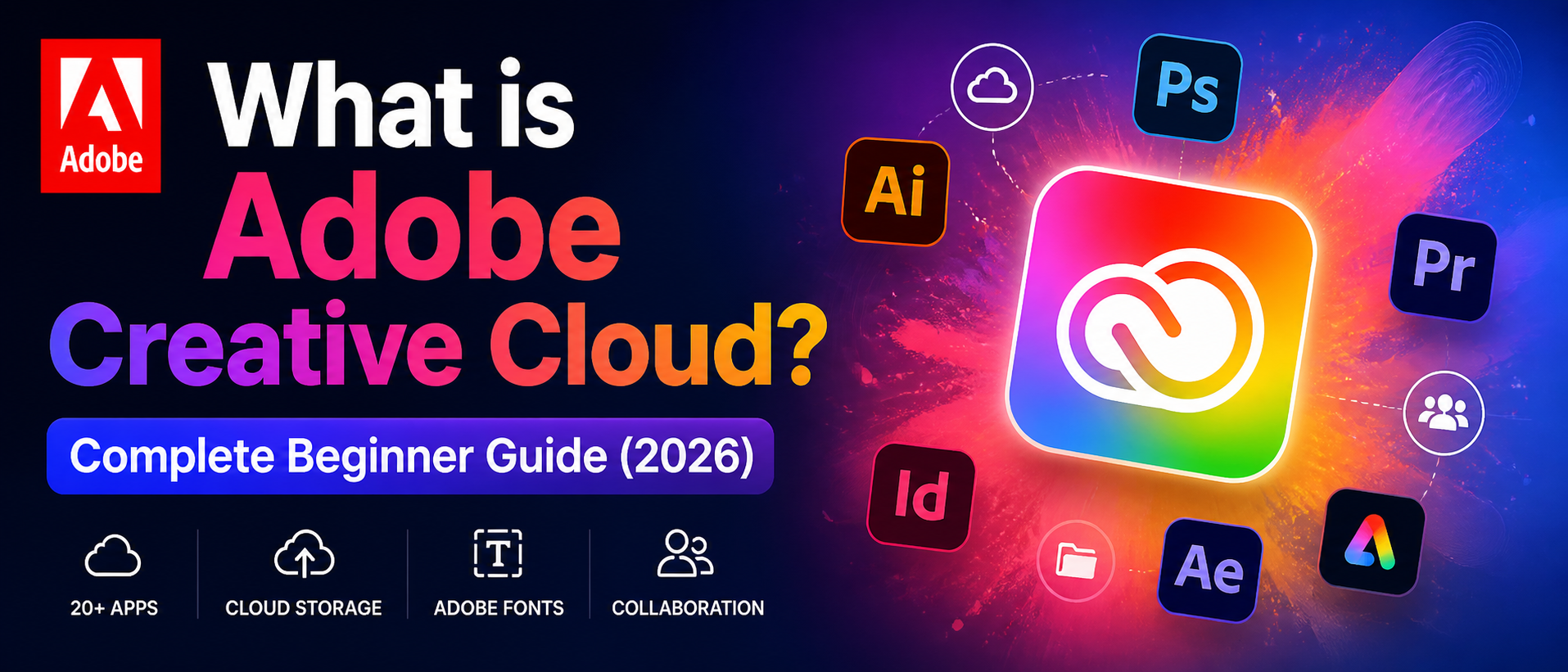
So, What is Adobe Creative Cloud? That's a good question — and, honestly, many people are initially confused by it. It's not just one app. It's not just Photoshop. Adobe Creative Cloud is a subscription-based platform that bundles over 20 creative tools, cloud storage, and collaboration features all in one place. Designers, photographers, video editors, students, marketers — anyone doing serious creative work uses it. This guide breaks it all down in simple, plain English. No jargon, no fluff.What is Adobe Creative Cloud—and How Does It Actually Work?
What is Adobe Creative Cloud in simple terms? Think of it as a creative subscription bundle. Instead of buying Photoshop for $700 one time (that used to be a thing, believe it or not), a monthly or yearly plan now unlocks every Adobe app, cloud storage, and font libraries. Everything is connected. Start a project on a desktop and continue it on a phone. Files sync automatically. Updates are always included. No outdated software, no CDs, no one-time downloads sitting around collecting digital dust. It's all live, always current.What's Included in Adobe Creative Cloud?
Here's a look at the most popular apps bundled into the subscription:
- Photoshop — Photo editing, retouching, and digital art
- Illustrator — Vector graphics, logos, and illustrations
- Premiere Pro — Professional-grade video editing
- After Effects — Motion graphics and visual effects
- InDesign — Print layouts, magazines, and brochures
- Adobe Express — Quick social media content creation
- Lightroom — Photo organizing and color grading
How to Use Adobe Creative Cloud — Getting Started the Easy Way
Learning how to use Adobe Creative Cloud doesn't have to feel overwhelming—and it honestly isn't once the basics click. After signing up, download the Creative Cloud desktop app first. That app becomes the control center. From there, install only the tools needed. No point loading up 20 apps when only Photoshop and Premiere will ever be opened, right? Adobe also has built-in tutorials inside each app. They are actually quite solid. Plus, thousands of free courses are available on YouTube and Adobe Learn.A few quick tips to get started without the confusion:
- Start with one app — don't try to learn everything at once
- Use Adobe's built-in tutorials inside each app — they're genuinely helpful
- Visit Adobe Learn (adobe.com/learn) for structured beginner courses
- Join communities on Reddit like r/photoshop for real user feedback and tips
Adobe Creative Cloud Student Discount — Save Big in 2026
Here's genuinely good news: the Adobe Creative Cloud student discount is one of the best deals out there for anyone in school. Students and teachers in the US can get the full All Apps plan for about 60–65% off the regular price. That's access to every Adobe app for roughly $19.99/month (first year) instead of the standard $54.99/month. Verification is done using an EDU email address or school enrollment confirmation. Everything is handled directly at adobe.com/education. If eligibility applies — seriously, it's a great way to avoid paying full price.Quick things to know about the student discount:
- Eligibility: Must be enrolled in an accredited school or university
- Verification: Done via SheerID or a student ID upload
- Duration: Discount typically applies for up to 4 years
- After graduation: the price reverts to the standard unless renewed with proof
Adobe Creative Cloud vs Canva — Which One Actually Makes Sense?
The adobe creative cloud vs canva debate comes up constantly—especially among beginners figuring out where to start. Canva is quick, friendly, and free to begin with. Drag-and-drop templates, no real learning curve, ideal for social posts and basic flyers. But there's a ceiling. Canva can't do serious photo retouching. It can't edit 4K video. It can't handle complex vector artwork or professional print-ready files. Adobe does all of that. The choice really comes down to what the work actually requires.Alternatives to Adobe Creative Cloud — Worth Considering?
Looking for alternatives to Adobe Creative Cloud? There are real, solid options — especially for those who don't want a monthly subscription bill. GIMP is a free, open-source photo editor that handles most of what Photoshop does. Affinity Suite (Photo, Designer, Publisher) is a one-time purchase that's genuinely impressive. DaVinci Resolve is free and rivals Premiere Pro for video work. These tools are reliable and effective. But they don't offer the same connected ecosystem. Everything is separate, more manual, and less seamless.Top alternatives worth knowing about:
- GIMP: Free Photoshop alternative — open source, surprisingly capable
- Affinity Suite: One-time purchase; great for designers skipping subscriptions
- DaVinci Resolve: Free professional video editor with Hollywood-grade tools
- Canva Pro: Simple design platform — not Adobe-level, but very beginner-friendly
- Figma: Best-in-class for UI/UX design with strong team collaboration
Is Adobe Creative Cloud Worth It in 2026?
Is Adobe Creative Cloud worth it? Depends. For professionals who earn a significant income from creative work, the answer is yes, without question. The tools are industry-standard. Many clients expect Adobe file formats. Employers list Photoshop and Premiere as required skills on job postings. For casual hobbyists who just want to touch up a few vacation photos. The $54.99/month All Apps plan adds up to over $650/year. That's real money. But for anyone serious about design, photography, video, or any creative field—Adobe Creative Cloud remains the most complete, connected, and professionally trusted platform available.Who Gets the Most Value?
- Freelance designers and photographers — industry tools that clients already recognize
- Video creators and YouTubers — Premiere Pro and After Effects are unmatched
- Students in creative programs benefit greatly from the available discounted plan.
- Marketing teams—for fast, polished content across multiple formats
Final Thoughts on What Is Adobe Creative Cloud
So, What is Adobe Creative Cloud? It's one of the most complete creative software platforms available. Over 20 apps, cloud storage, fonts, collaboration tools, and constant updates — all in one subscription. Is it perfect for everyone? Not really. But for anyone who takes creative work seriously, it's hard to find anything that comes close. Students should grab the Adobe Creative Cloud student discount without thinking twice. Beginners might start with Canva and grow into Adobe over time. And professionals already know what it brings to the table. Whatever the goal—designing, editing, animating, or publishing— Adobe Creative Cloud has a tool for it.Explore More 🔺
Read More Blogs:
Best E-Commerce Hosting Solutions By Contabo – Power, Performance & Price
From Startup To Scale-Up: Why Contabo Is The Best E-Commerce Hosting Partner
Contabo Vs. Traditional Cloud Hosting: Why The Best Cloud VPS Hosting Saves You Time And Money
FAQs
Q1: What is Adobe Creative Cloud, and is it free?Ans: Adobe Creative Cloud is a subscription-based platform offering 20+ professional creative apps. It's not free, but Adobe offers a free trial and a limited free version of some tools, like Adobe Express, to help beginners get started.
Q2: How to use Adobe Creative Cloud as a complete beginner?
Ans: The easiest way to learn how to use Adobe Creative Cloud is to start with one app, follow Adobe's built-in tutorials, and explore free courses on YouTube or Adobe Learn — Photoshop and Premiere Pro are the most beginner-recommended starting points.
Q3: What are the best alternatives to Adobe Creative Cloud for free?
Ans: The strongest free alternatives to Adobe Creative Cloud alternatives include GIMP for photo editing, DaVinci Resolve for professional video editing, and Canva for quick design work—all solid options for creators who need capable tools without a monthly subscription.